Offline KPI Dashboard
Turn any CSV export into a private dashboard — in your browser, with nothing uploaded.
You already have the data in your shop, till, accounting or helpdesk. Drop the CSV on one HTML file and get KPI tiles, charts, filters and period comparisons in seconds. No account, no subscription, works offline.
Instant download after payment. Single-business commercial licence. A product of GPT Shop Ltd.
What the dashboard looks like with sample data
These are real captures of the shipped file — not mock-ups. The zip includes three fictional samples (sales, service jobs, support tickets) so you can open it before dropping your own CSV.
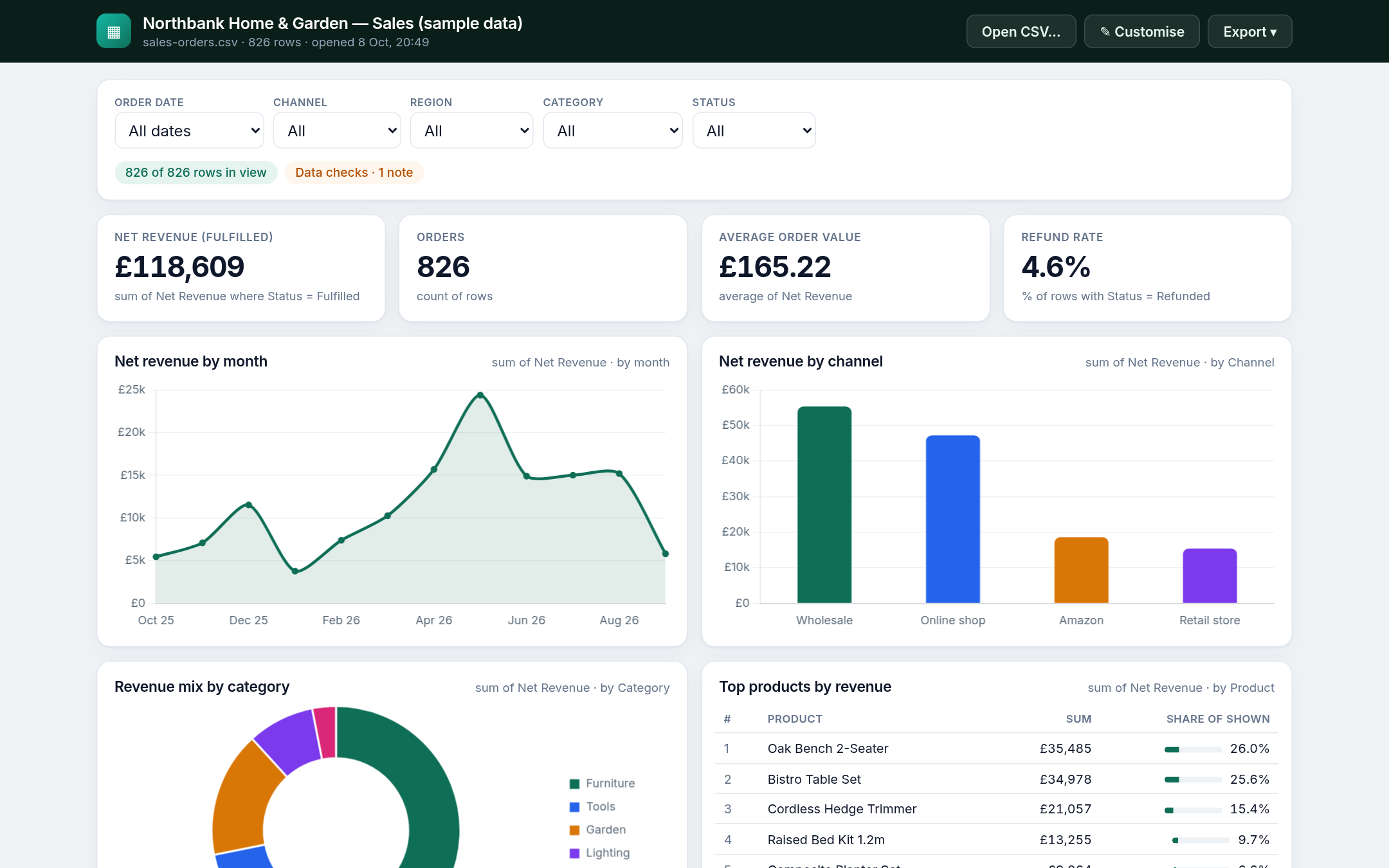
Sales sample — 826 fictional orders over 12 months: headline KPIs, trend and category breakdown.
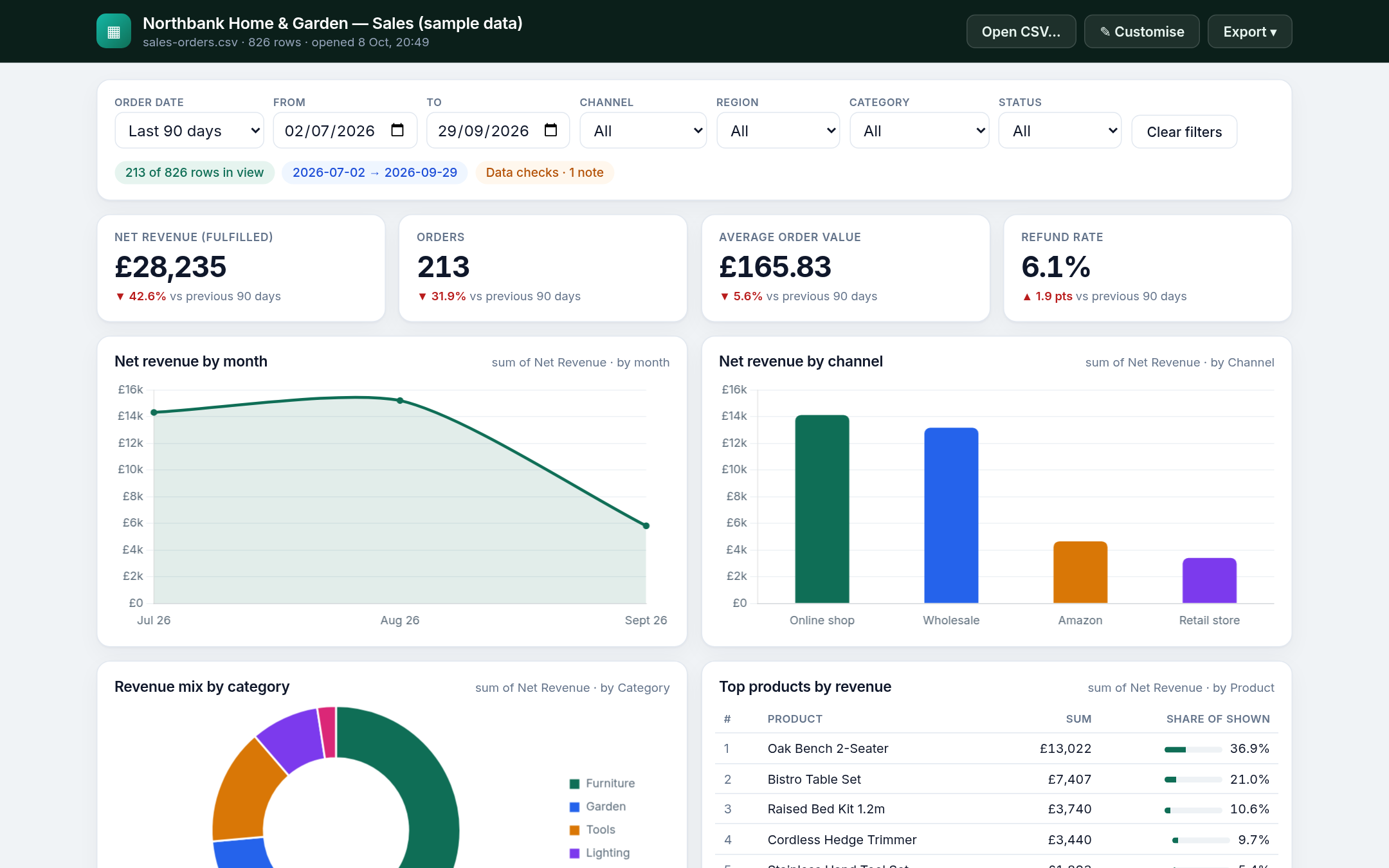
Last 90 days with ▲/▼ vs the previous period on every tile.
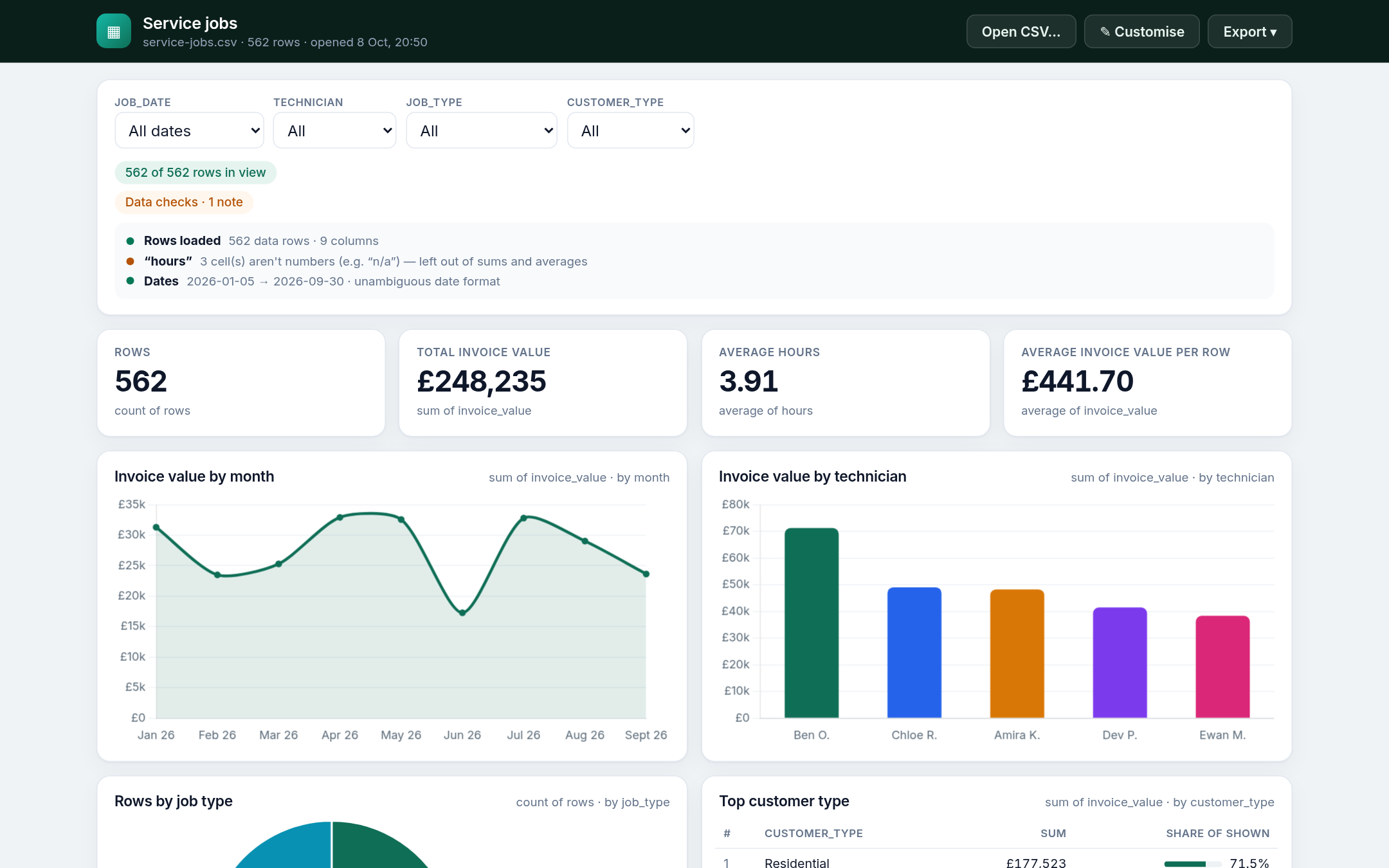
Drop any CSV — columns are suggested automatically. Data checks show what was skipped.
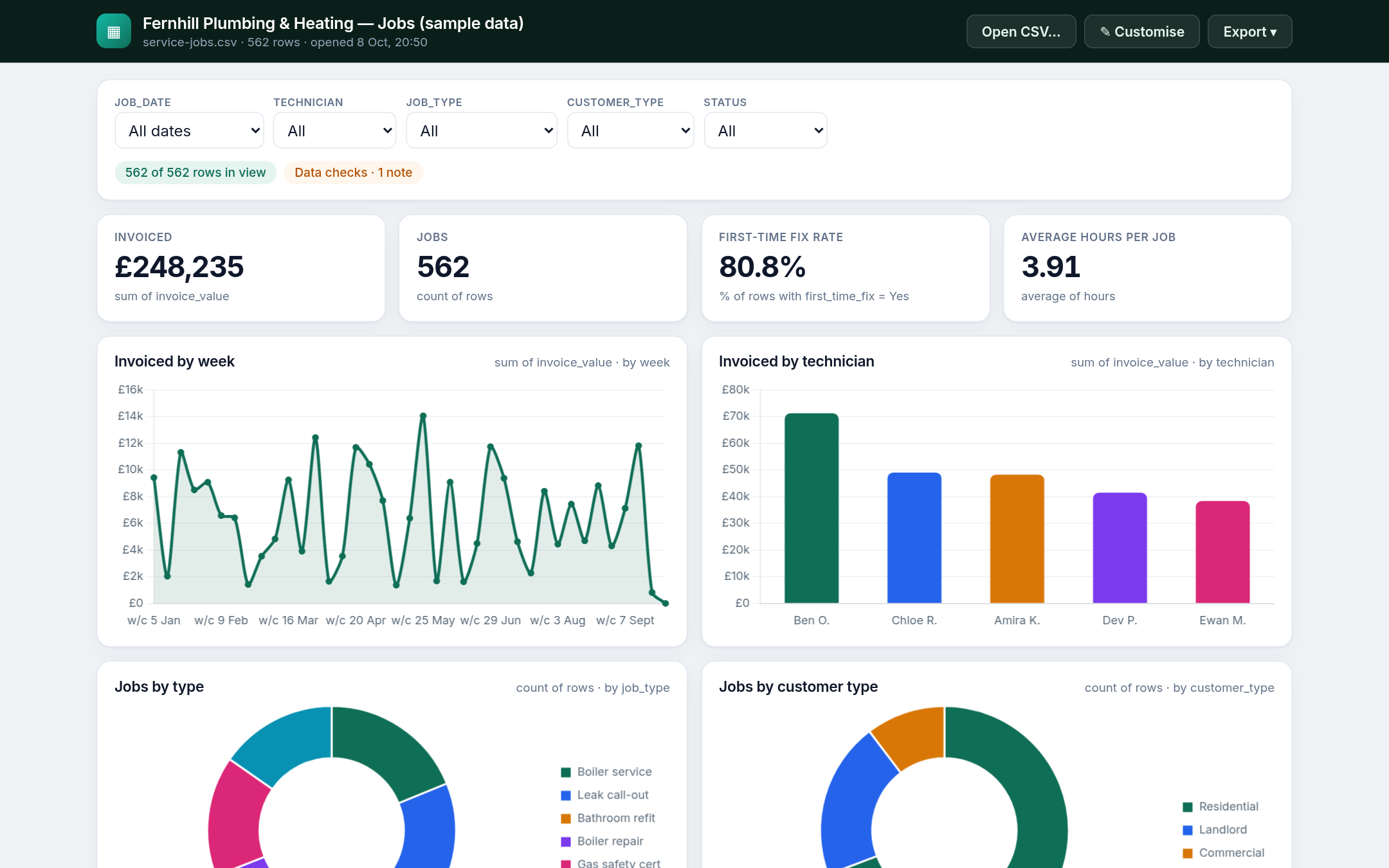
Service jobs sample — technicians, first-time-fix rate, job volume.
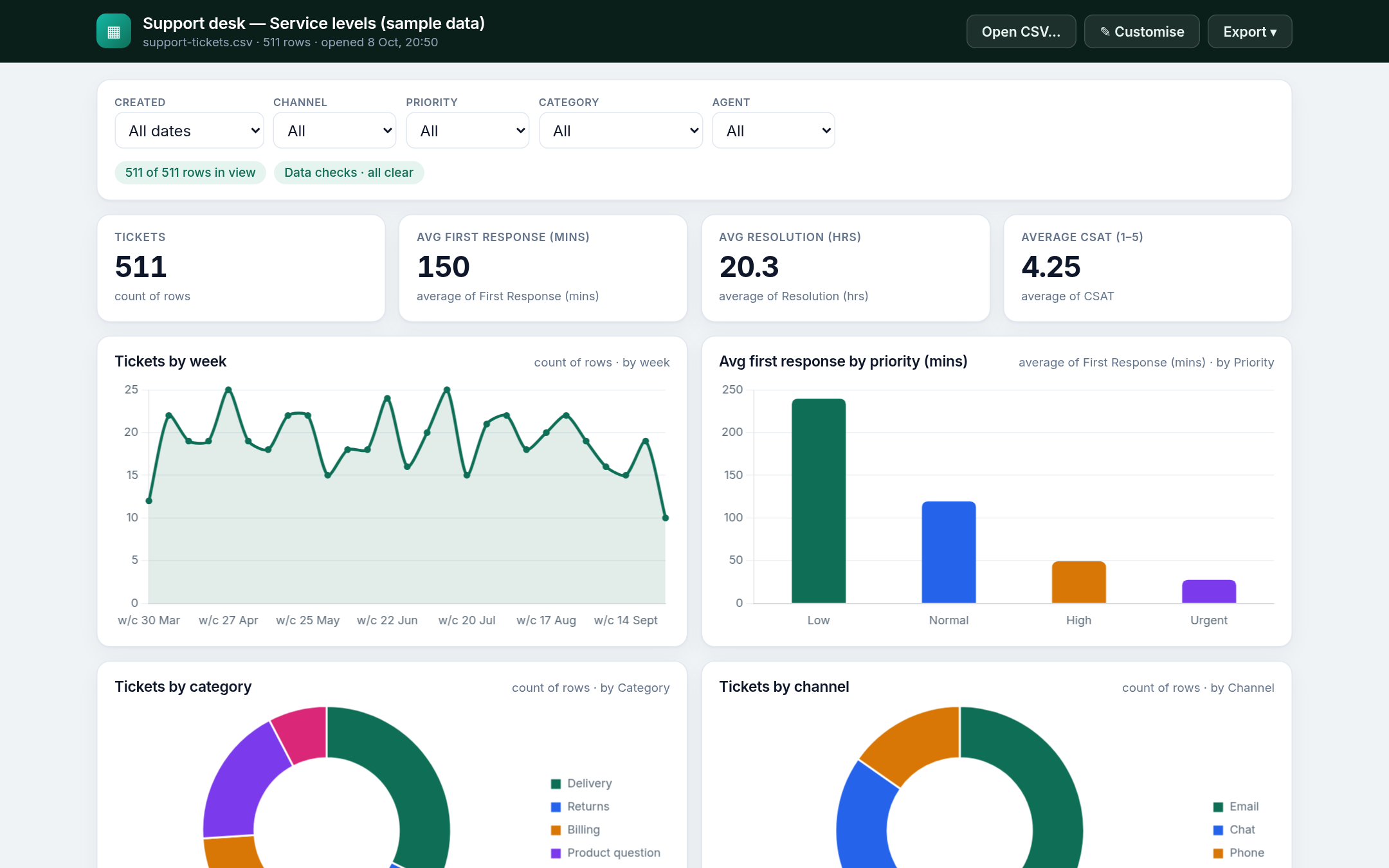
Support desk sample — tickets, response times, CSAT.
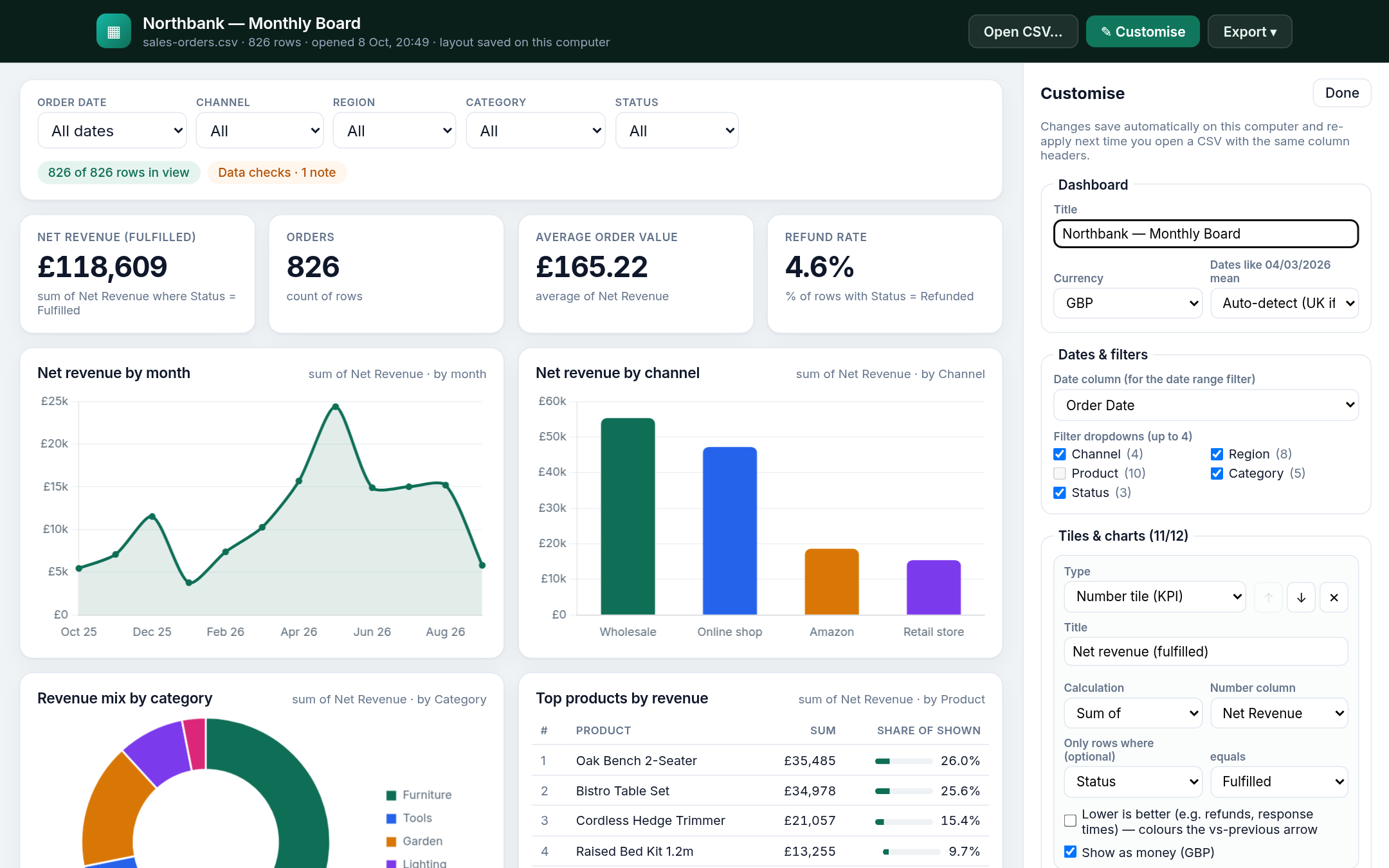
Customise panel — pick tiles, calculations and chart types without writing formulas.
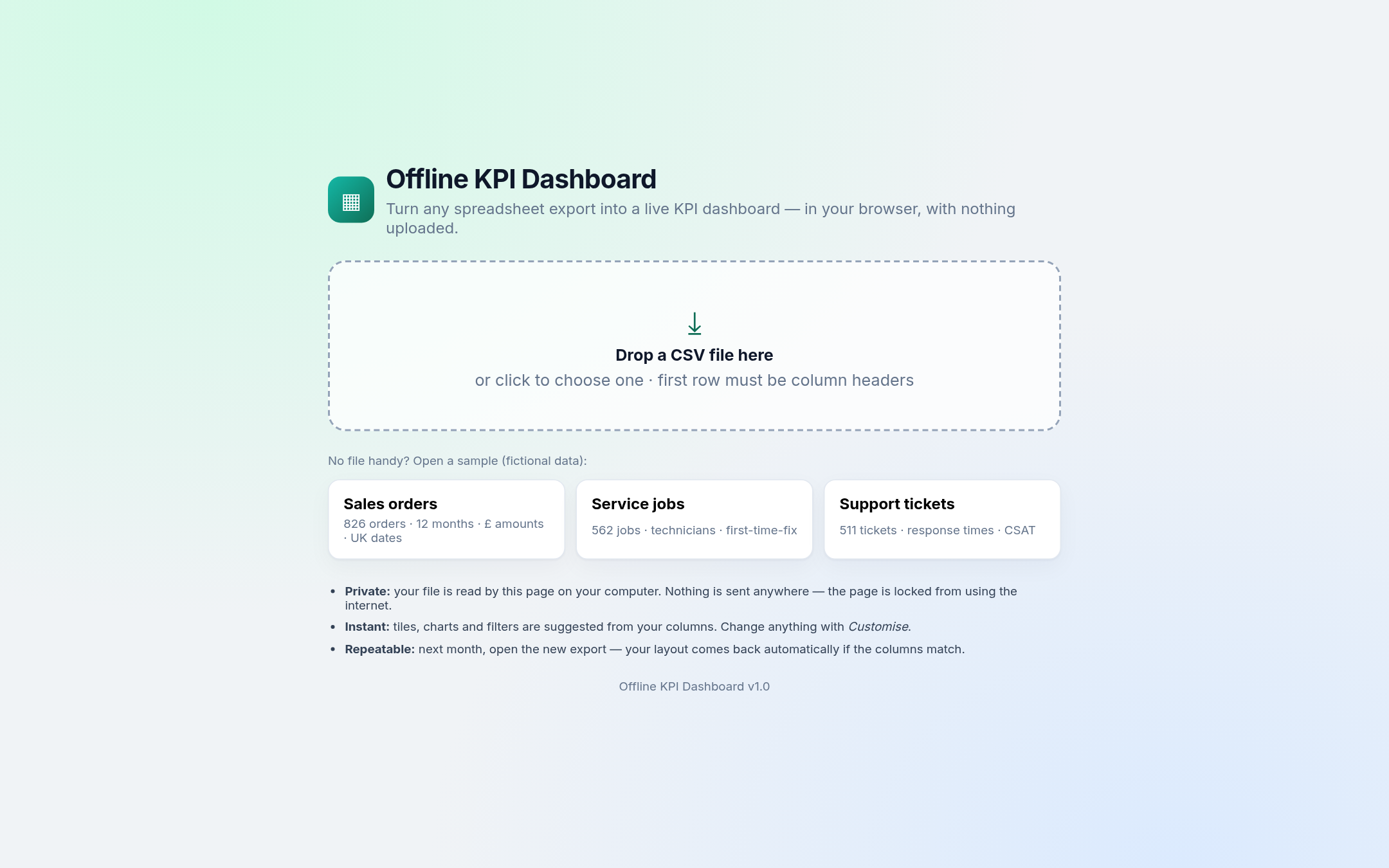
Start screen — drop a file. The page blocks network access so figures stay on your computer.
How it works
- 1
Pay once
Choose GBP or USD. After Stripe checkout you land on a thanks page with your download link.
- 2
Unzip and open
Double-click
KPI-Dashboard.html. It opens in Chrome, Edge, Firefox or another modern browser — no install. - 3
Drop your CSV
Export from your shop, till, spreadsheet or helpdesk. Drop the file. Tiles and charts appear from your column names. Save the layout for next month.
Included
KPI-Dashboard.html— self-contained dashboard (~850 KB)- 3 sample dashboards with fictional data + a “next month” file
- SETUP guide (PDF + Markdown)
- Single-business commercial licence
- CHANGELOG and open-source notices
- Instant download after payment
Not included
- Live connections to Shopify, Xero, Sheets, etc.
- Cloud sync, shared logins or multi-user hosting
- Direct .xlsx / Numbers / Sheets files (save as CSV first)
- Joining multiple files in one view
- Custom colours, logos or chart themes
- Accounting, forecasting or full BI software
Private by design
The page reads your file on your computer and includes a browser security policy that blocks network connections, so your figures cannot be sent anywhere. It works with the internet switched off. Only layout settings (not your data) are remembered locally. Built for UK small businesses (£ and DD/MM/YYYY out of the box) and works with $, € and US dates too.
Pricing
One-time purchase. Taxes included where applicable. Instant download — no subscription.
UK and Europe
£29
VAT included where applicable
- Full dashboard file + samples
- Single-business licence
- Instant download
United States and elsewhere
$29
Sales tax included where applicable
- Full dashboard file + samples
- Single-business licence
- Instant download
Need it hosted with a shared-password login, built around your exact exports? Fixed-price custom build: Spreadsheet to Live Ops Dashboard in 5 Days ($399 on Contra).
Questions
Do I need to install anything or create an account?
No. Unzip, double-click KPI-Dashboard.html, and it opens in your browser.
Is my data uploaded anywhere?
No. The file is read on your computer. The page blocks network connections and works offline. Only layout settings (not your data) are stored in your browser.
Which systems does it work with?
Anything that exports a CSV with column headers — shops, tills, accounting, booking, CRM, helpdesk, plus Excel, Google Sheets and Numbers (save/download as CSV). It does not connect to those systems directly.
Does it update automatically?
No live feed. Each week or month, export a fresh CSV and drop it in; your saved layout re-applies if the columns match.
Can my team use it?
Yes — one licence covers everyone in your business. Share results as PDFs or screenshots. For a hosted link with a password, see the custom option on the pricing section.
Mac or Windows?
Either — it runs in the browser. Automated tests passed in Chrome, Edge, Firefox and WebKit (Safari’s engine) on a Linux test machine. If Safari on a real Mac looks off, use Chrome, Edge or Firefox and email us.
How big a file can it handle?
Tested at 100,000 rows (about 1.3 seconds for a 4.6 MB file in Chrome). Larger files work but get slower; over 200 MB are refused.
Refunds?
Digital download: once the download has started, refunds are not offered except if the zip is corrupt or incomplete — email chris@gptshopltd.com with your Stripe receipt and we will replace the file or refund. Please read “Not included” before buying.
Who is behind this?
GPT Shop Ltd, a UK limited company (company no. 15766335). A product of GPT Shop Ltd. Contact: chris@gptshopltd.com.